How to Increase Your Internet Speed With CMD
- 8 years ago

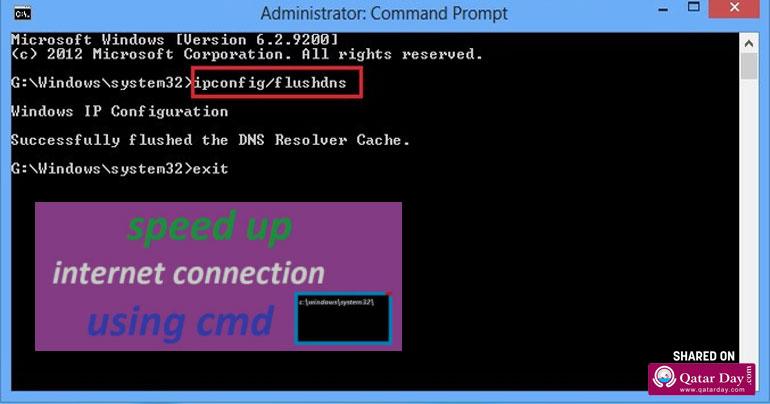
Slow internet speed is one of the common issues faced by the Internet users. These issues can be related to network configuration, PC or ISP.Don’t worry, issues related to DNS, TCP and IP address can be fixed using Windows Command Prompt.
Here,you will find a list of Command Prompt Commands that you should try when speed of Internet is slower than usual.
Accessing the Command Prompt
First of all let’s start with opening Command Prompt Window.There are several ways to access Command Prompt with administrator rights and each of the method is different and depends on Windows Version.One of the easiest way is to simply open the Windows search bar and type cmd and right click on the Command Prompt option.
Now select “Run as administrator” from the context menu and confirm the dialog to open Command Prompt with administrator rights.
1. Renew IP address
Lot of issues can affect your current IP address and make the Internet connection slower. It can be IP conflict or an issue with the DHCP server. In some cases, just resetting the IP address fix the issue.To release the connection with the current IP address, you can use two command prompt commands with the current IP address and then renew it.
How to Do:
Type the command ipconfig and press enter, you will see a list of columns of text on the screen.Type ipconfig/renew and press enter again. This command must renew your IP address and resolve the slow Internet connection that may be occurring due to IP address issue.

...[ Continue to next page ]









Comments